

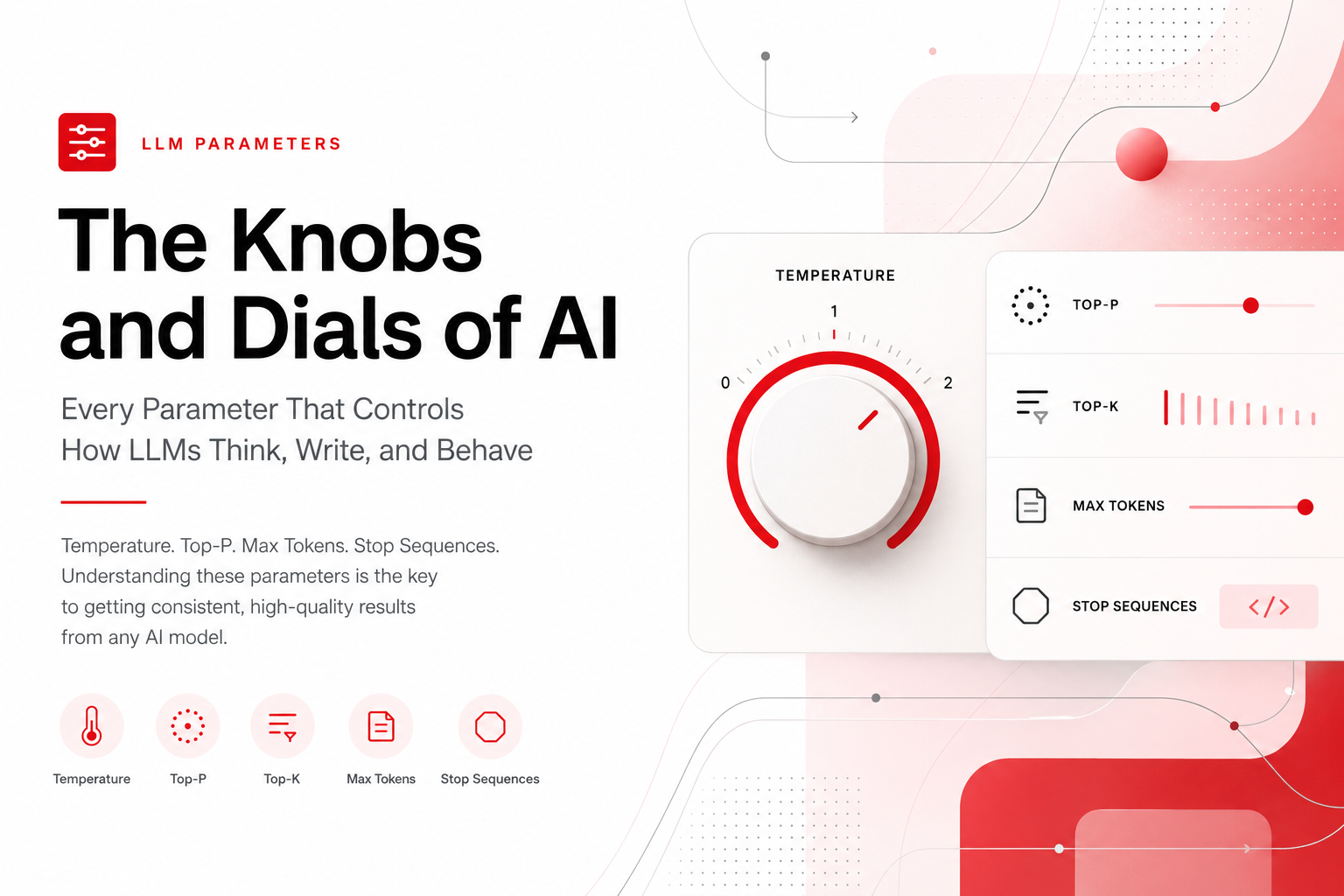
When you chat with ChatGPT, Claude, or any AI model — you're seeing the output of dozens of hidden settings working behind the scenes. These settings, called parameters, determine whether the model gives you a dry factual answer or a wild creative story. Whether it stays on topic or goes on tangents. Whether it writes three sentences or three pages.
If you've ever wondered why the same AI can feel brilliant one moment and robotic the next — parameters are the answer. And understanding them isn't just for engineers. It's for anyone who wants to get better results from AI.
Let's break every one of them down, in plain language, with real examples of what happens when you change them.
Temperature: The Creativity Dial
This is the single most important parameter in any LLM. Temperature controls how "random" or "creative" the model's output is.
Every time an LLM generates the next word, it calculates a probability for every possible word in its vocabulary. Temperature adjusts how it picks from those probabilities.
Range: 0.0 to 2.0 (typically)
How it works in practice:
Prompt: "The sky is ___"
At temperature 0.0, the model always picks the highest-probability word. The answer is "blue." Every single time. No variation. This is called greedy decoding — the model is greedy for the most likely answer.
At temperature 0.7, the model might say "blue" most of the time, but occasionally surprises you with "vast," "endless," or "painted in shades of amber." It's sampling from a wider range of likely words.
At temperature 1.5+, things get weird. The model might say "singing," "forgotten," or "a question no one asked." It's pulling from low-probability words, which can feel creative — or unhinged.
When to use what:
- 0.0 – 0.3 → Coding, math, factual Q&A, data extraction. You want the right answer, not a creative one.
- 0.4 – 0.7 → General conversation, summarization, professional writing. Balanced and coherent.
- 0.8 – 1.2 → Creative writing, brainstorming, poetry, marketing copy. You want surprise and variety.
- 1.3+ → Experimental. Outputs become increasingly incoherent. Useful for generating very diverse options you'll curate manually.
The real-world impact: If you've ever asked an AI to write a poem and it felt flat, the temperature was probably too low. If you asked it to summarize a legal document and it started inventing details, the temperature was too high.
Top-P (Nucleus Sampling): The Smarter Creativity Dial
Top-P is an alternative to temperature that many developers prefer because it's more predictable.
Instead of scaling all probabilities (like temperature does), Top-P says: "Only consider the smallest set of words whose combined probability adds up to P."
Range: 0.0 to 1.0
Example:
Say the model's top predictions for the next word are:
| Word | Probability |
|---|---|
| blue | 40% |
| clear | 25% |
| dark | 15% |
| vast | 10% |
| purple | 5% |
| singing | 3% |
| forgotten | 2% |
With Top-P = 0.8, the model only considers "blue," "clear," "dark," and "vast" (40 + 25 + 15 + 10 = 90%, the smallest set exceeding 80%). "Singing" and "forgotten" are cut off entirely — no matter what.
With Top-P = 0.1, only "blue" makes the cut. The output is almost deterministic.
With Top-P = 1.0, every word is in play.
Why use Top-P over Temperature? Temperature can produce nonsense at high values because it boosts all low-probability words equally. Top-P is more surgical — it expands the pool of candidates without letting truly unlikely words sneak in.
Best practice: Most APIs let you set both. The common recommendation is to adjust one and leave the other at its default. Setting both to extreme values simultaneously can produce unpredictable results.
Top-K: The Original Filter
Before Top-P became popular, Top-K was the go-to. It simply limits sampling to the K most likely next words.
Top-K = 1 → Always pick the most likely word (same as temperature 0).
Top-K = 40 → Consider the top 40 words, sample among them.
Top-K = 100 → Wider pool, more variety.
Why it fell out of favor: Top-K is blunt. Setting K=40 means 40 words whether the model is very confident (where maybe only 3 words make sense) or very uncertain (where 200 words are all reasonable). Top-P adapts naturally — it includes fewer words when the model is confident and more when it's not.
That said, Top-K is still used in some systems (like Google's Gemini API) and works fine for most tasks.
Max Tokens: The Length Limit
This is straightforward but often misunderstood. Max tokens sets the maximum number of tokens the model can generate in its response.
A "token" is roughly ¾ of a word. "Artificial intelligence" is 2–3 tokens. A sentence is typically 15–25 tokens.
What happens when you set it:
- Max tokens = 50 → Short, punchy answers. The model will cut off mid-sentence if it hits the limit.
- Max tokens = 500 → A solid paragraph or two.
- Max tokens = 4096 → A long, detailed response. Several pages of text.
The critical nuance: Max tokens doesn't mean the model will generate that many tokens. It's a ceiling, not a target. If you ask "What's 2+2?" with max tokens set to 4096, the model will still just say "4."
Cost implications: Most APIs charge per token (both input and output). Setting max tokens unnecessarily high doesn't cost more unless the model actually generates more. But it does affect latency — the model reserves compute capacity for the potential full length.
Stop Sequences: The Emergency Brake
Stop sequences are strings that tell the model to immediately stop generating when it produces them.
Example use cases:
If you want the model to generate exactly one paragraph, you can set the stop sequence to "\n\n" (double newline). The moment it tries to start a second paragraph, generation halts.
If you're generating structured data, you might stop at "}}" to prevent the model from continuing past a JSON object.
If you're building a chatbot that generates one turn at a time, you might stop at "Human:" or "User:" to prevent the model from hallucinating the next turn of conversation.
Multiple stop sequences can be set simultaneously. The model stops at whichever it hits first.
Frequency Penalty: Fighting Repetition
LLMs have a natural tendency to repeat themselves — phrases, words, even entire sentences can loop. Frequency penalty addresses this.
Range: Typically -2.0 to 2.0
It reduces the probability of a token proportionally to how many times it's already appeared. A word used 5 times gets penalized more than a word used once.
At 0.0: No penalty. The model repeats freely.
At 0.5–1.0: Moderate discouragement. The model avoids excessive repetition but can still use common words naturally.
At 2.0: Aggressive penalty. The model actively avoids reusing any word, which can make output feel forced or unnatural.
Real-world example: Without frequency penalty, an AI writing about cooking might produce: "Add the garlic to the pan. The garlic should sizzle. Once the garlic is golden, remove the garlic." With a moderate penalty: "Add the garlic to the pan. It should sizzle. Once golden, remove it from the heat."
Presence Penalty: Encouraging New Topics
Presence penalty is subtler than frequency penalty. Instead of penalizing based on how often a word appeared, it applies a flat penalty to any word that has appeared at all — regardless of count.
Range: -2.0 to 2.0
The difference matters:
- Frequency penalty says: "You've used 'quantum' 8 times — stop."
- Presence penalty says: "You've mentioned 'quantum' at all — try a different angle."
At 0.0: No effect.
At 0.5–1.0: Gently steers the model toward new vocabulary and topics.
At 2.0: Strongly pushes the model to never revisit a concept. Can make output feel scattered.
Best for: Brainstorming sessions where you want diverse ideas, or long-form content where you want the model to cover different aspects of a topic rather than circling back.
System Prompt: The Invisible Director
The system prompt isn't a numerical parameter — it's a block of text that shapes the model's entire behavior. But it's arguably the most powerful control you have.
The system prompt tells the model who it is, how it should behave, and what rules to follow. It persists across the entire conversation.
What changes when you change it:
A system prompt saying "You are a concise technical writer. Answer in 2-3 sentences max. No filler." will produce drastically different output than "You are a creative storyteller who uses vivid metaphors and emotional language."
The same question — "Explain how the internet works" — will get a bullet-pointed technical answer from the first, and a narrative about "billions of digital whispers racing through glass veins" from the second.
System prompts can also enforce: output format (JSON, markdown, plain text), language, persona, safety constraints, and domain expertise.
Context Window: The Model's Memory
The context window is the total number of tokens the model can "see" at once. This includes the system prompt, the entire conversation history, and the current input.
Why it matters:
- 4K tokens (older models): Roughly 3,000 words. Enough for a short conversation, but the model "forgets" earlier messages quickly.
- 32K tokens: A novella's worth of text. Good for analyzing long documents.
- 128K–200K tokens (modern models like Claude, GPT-4): Entire codebases, books, or very long conversations.
What happens when you exceed it: The model either truncates (drops the oldest messages) or throws an error. It doesn't "remember" anything outside its window — once a message scrolls out, it's gone.
The "lost in the middle" problem: Research shows that even within a large context window, models pay more attention to content at the very beginning and very end. Information buried in the middle of a 100K-token input might get overlooked. This isn't a setting you can tune, but it's important to know when you're designing prompts.
Seed: Reproducible Outputs
By default, LLM outputs have randomness (controlled by temperature/Top-P). The seed parameter lets you lock that randomness down.
Setting the same seed with the same prompt and parameters produces (nearly) identical output every time.
Use cases: Testing and debugging, A/B comparisons ("same prompt, different temperature, same seed"), and any scenario where reproducibility matters.
The caveat: Reproducibility isn't 100% guaranteed across different hardware or model versions. It's "best effort" in most APIs.
Streaming: Token-by-Token Delivery
Streaming isn't about what the model generates — it's about how it delivers the output.
Without streaming: You wait in silence until the entire response is generated, then it all appears at once. For a long response, this can mean 10–30 seconds of nothing.
With streaming: Tokens appear one by one as they're generated, like watching someone type. The content is identical, but the user experience is dramatically better.
Why it matters beyond UX: Streaming also lets you interrupt generation early. If you see the model going off-track after two sentences, you can stop it — saving time and tokens.
Tool/Function Calling: Giving AI Hands
This is where LLMs cross from "text generator" to "agent." Tool calling lets the model invoke external functions — search the web, query a database, run code, call an API, send an email.
The model doesn't actually execute anything itself. It generates a structured request ("call the weather API for London"), the system executes it, and the result is fed back to the model, which incorporates it into its response.
What changes based on how you configure it:
- You can make tools required (the model must call one) or optional (the model decides if it needs one).
- You can limit which tools are available, narrowing the model's options.
- You can allow parallel tool calls (multiple at once) or force sequential execution.
This is the foundation of AI agents — autonomous systems that chain multiple tool calls together to accomplish complex tasks.
RAG: Retrieval-Augmented Generation
RAG isn't a single parameter — it's an architecture. But it fundamentally changes what the model "knows."
The idea: instead of relying solely on the model's training data (which is frozen at a cutoff date), you retrieve relevant documents from an external knowledge base and inject them into the prompt.
Without RAG: "What's our company's refund policy?" → The model guesses or admits it doesn't know.
With RAG: The system searches your internal docs, finds the refund policy, includes it in the prompt → The model gives an accurate, sourced answer.
Key parameters that affect RAG quality:
- Chunk size: How big are the text snippets you retrieve? Too small and you lose context. Too big and you waste tokens on irrelevant content.
- Number of retrieved chunks (Top-K retrieval): How many documents do you inject? More = more context but higher cost and potential confusion.
- Similarity threshold: How relevant does a document need to be before it's included? Too low and you get noise. Too high and you miss useful context.
Embeddings: The Language of Similarity
Embeddings convert text into numerical vectors — long lists of numbers that represent meaning. They're the engine behind semantic search, RAG, recommendations, and clustering.
The key property: similar meanings produce similar vectors. "Happy" and "joyful" will be close together in vector space. "Happy" and "refrigerator" will be far apart.
Dimensions matter. A 1536-dimension embedding captures more nuance than a 384-dimension one, but costs more to compute and store.
Putting It All Together
Here's the mental model: think of an LLM as a musician. The model weights (the training) are their years of practice and talent — you can't change that. But the parameters are the knobs on the mixing board:
- Temperature / Top-P / Top-K control improvisation — how wild or disciplined the performance is.
- Max tokens controls the length of the set.
- Frequency and presence penalties prevent playing the same riff over and over.
- System prompt is the genre and mood — jazz, classical, punk.
- Context window is how much of the sheet music the musician can see at once.
- Tools are the instruments available — just a guitar, or a full orchestra?
- RAG is having a reference library on stage — the musician can look up anything mid-performance.
None of these parameters work in isolation. A high temperature with a strict system prompt produces creative but focused output. A low temperature with a vague system prompt produces predictable but generic output. The art is in the combination.
And now that you know what each knob does — go experiment. The best way to understand parameters is to change one thing at a time and see what happens.
If you found this useful, share it with someone who's still treating AI like a black box. It doesn't have to be.